
Share X into Instagram
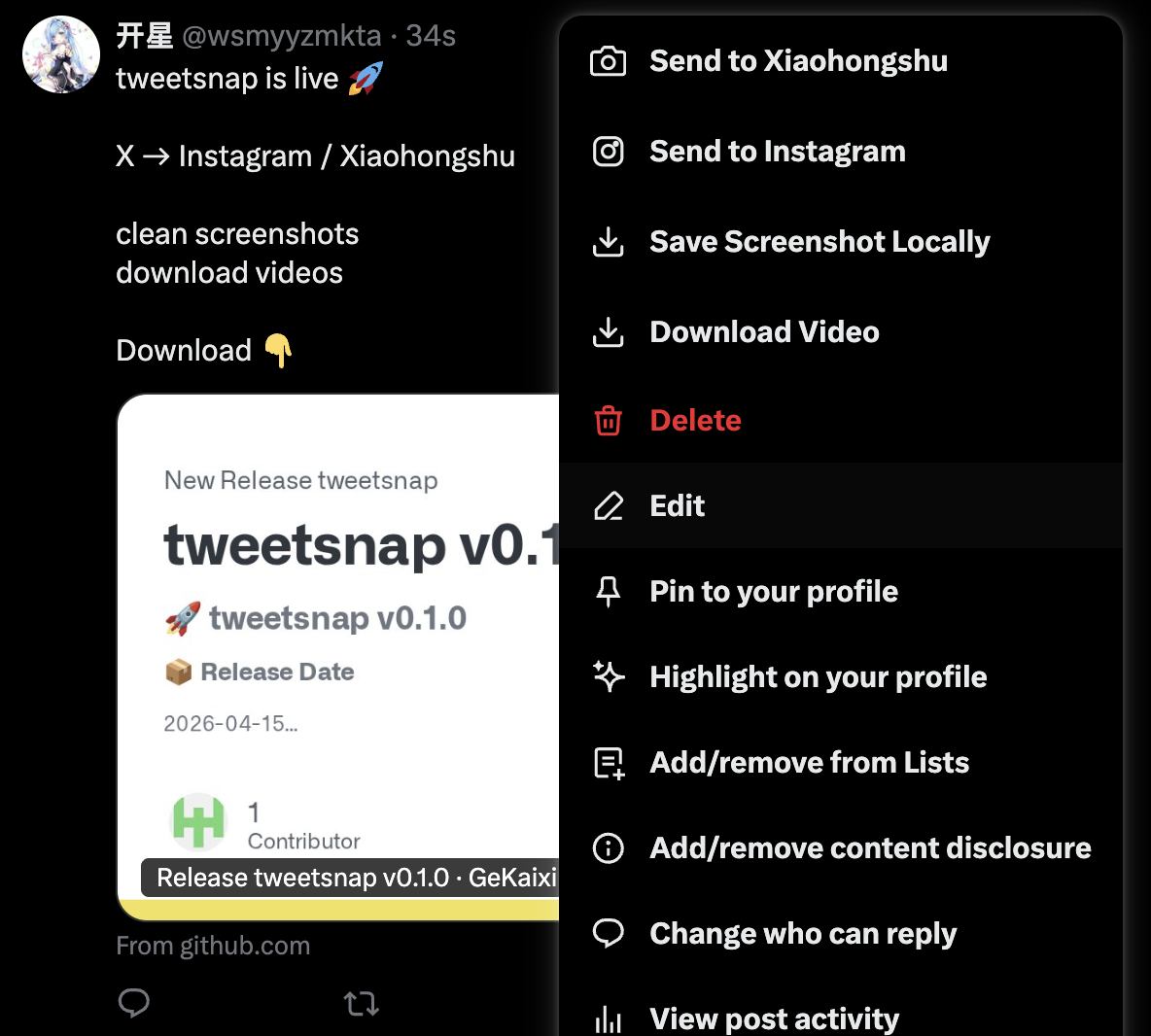
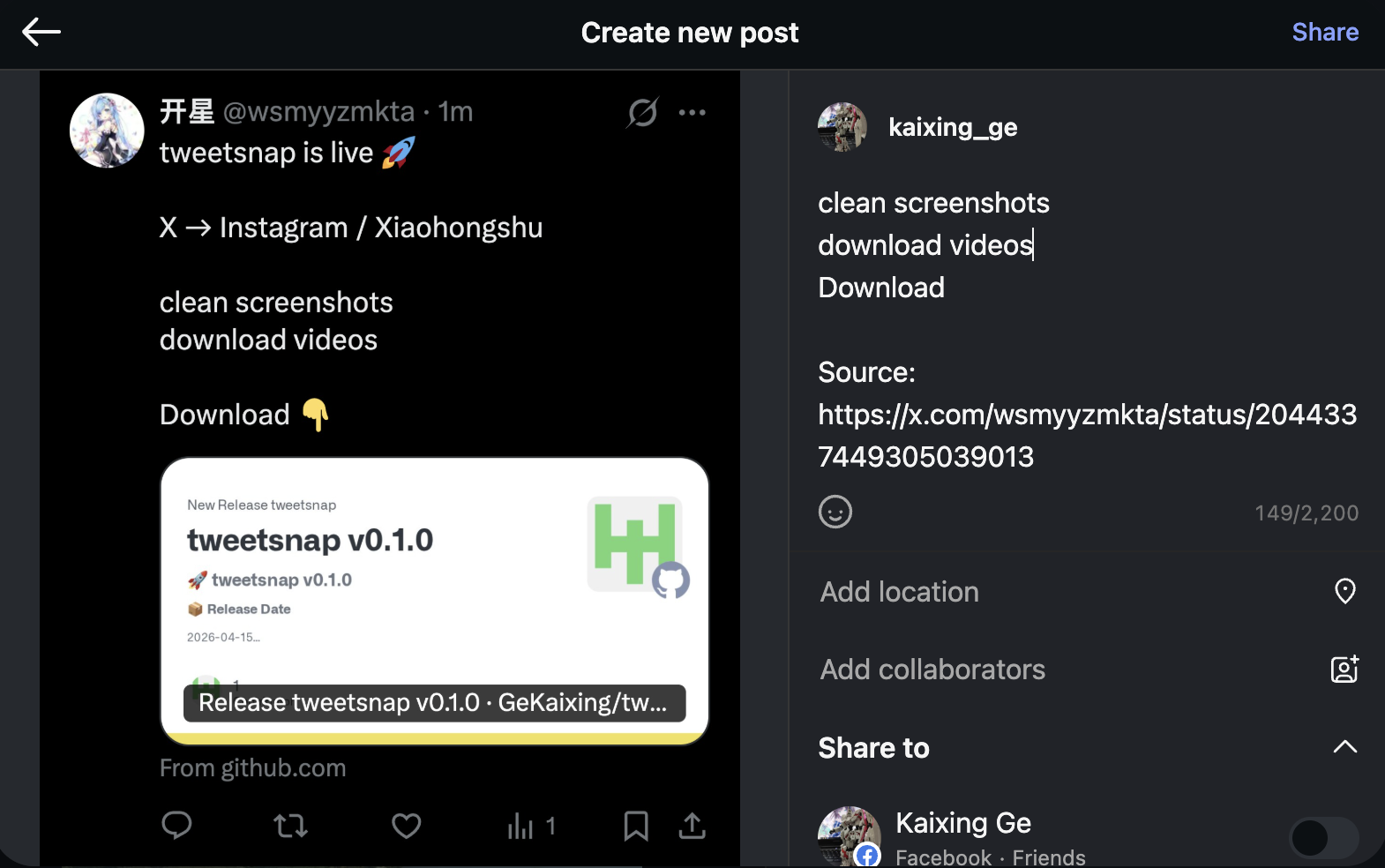
Open the tweet menu, trigger the flow, and let tweetsnap prepare the post assets and caption context for Instagram.
tweetsnap gives creators and operators a fast way to capture clean tweet screenshots, move them into new channels, and keep the post looking intentional instead of improvised.
From a live post to a ready-to-publish asset stack, without opening five different tools.
The extension stays inside the platforms you already use and removes the repetitive capture, download, and repost steps that slow down social workflows.
Open the tweet menu, trigger the flow, and let tweetsnap prepare the post assets and caption context for Instagram.
Use the same source post to create a Xiaohongshu-ready publishing draft with less manual copying and reformatting.
Generate tweet screenshots in a mobile-friendly width so the final card feels intentional in feed posts and carousels.
Pull post media out of X when you need the original file for editing, storage, or multi-platform distribution.
Add a share path from Instagram into X so your strongest visual posts can be redistributed instead of recreated.
No extra dashboard, no detached CMS, and no export-import ritual. The workflow begins where the post already lives.
tweetsnap compresses a multi-step social repurposing workflow into a short sequence that is easy to teach, repeat, and delegate across a team.
Use one source post as the starting point, then generate the screenshots, media, and draft context you need for the next platform.
Choose the action you need: Instagram, Xiaohongshu, screenshot export, or media download.
The extension prepares the asset in a format that is easier to reuse in mobile-first publishing flows.
tweetsnap hands the draft off to the next posting environment so your last mile is fast and predictable.
tweetsnap is built for the moment when a post is already working on one platform and you want to move that momentum into the next channel without losing speed.
Turn timely X commentary into visual social content before the conversation cools off.
Give operators a repeatable flow instead of relying on personal shortcuts and brittle manual habits.
Reuse the same post as an input for multiple channels while preserving the speed of the original publishing team.
Download the latest release from GitHub and start using the extension inside your existing browser-based publishing flow.